
What Is an Audio Interface? How to Choose One for Home Recording
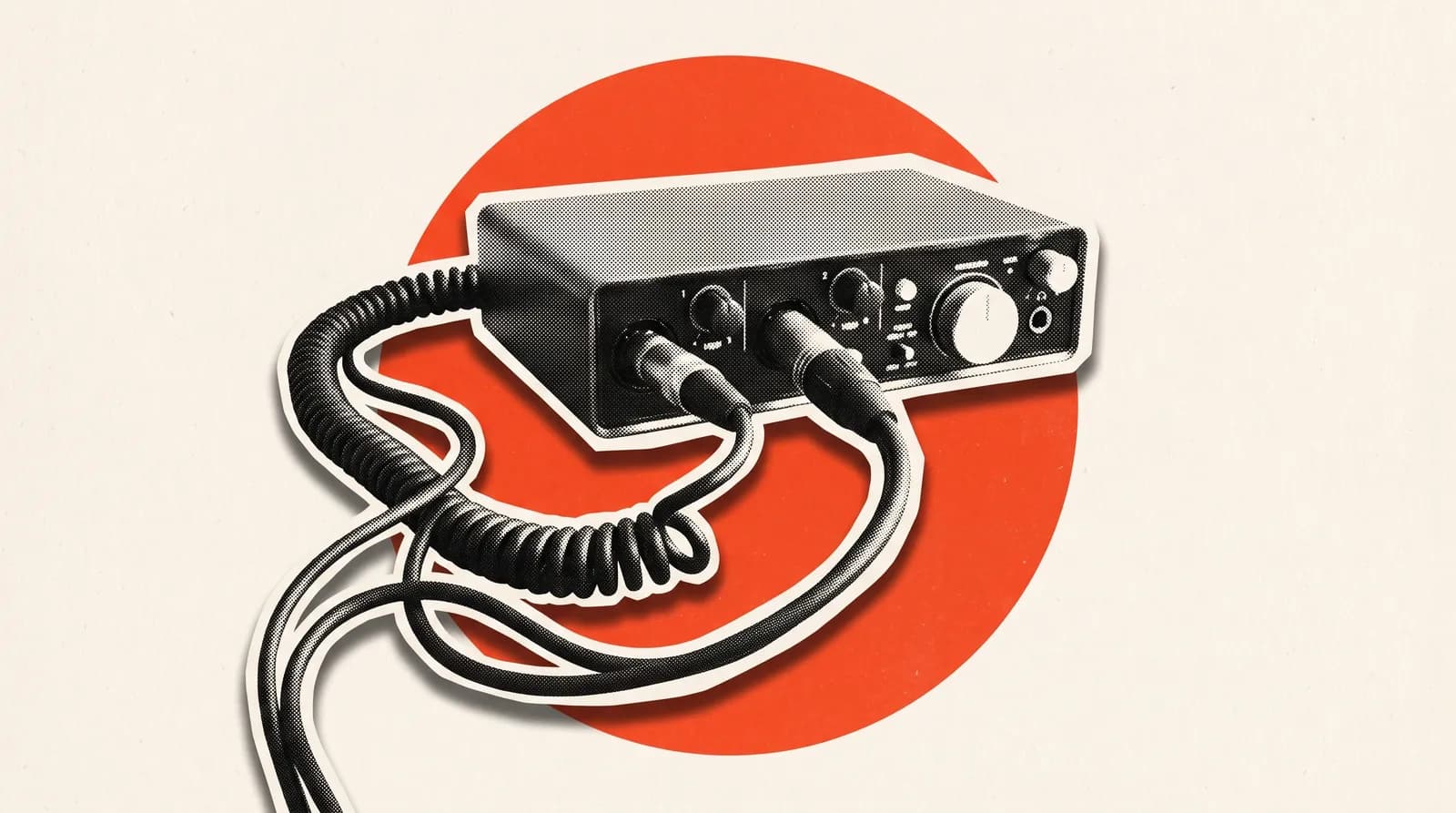
An audio interface is an external box that turns the sound from your mic or instrument into a digital signal your computer can work with, and sends audio from the computer back out to your headphones and speakers. It's the hub of a home recording setup: mics, guitars, headphones and monitors all plug into it.
Your guitarist props a phone in front of the amp, the singer sings into the laptop's built-in mic. The recordings land in the group chat and they all sound fizzy, far away and a little bit late. Most of the problem isn't the playing, it's how the sound gets into the computer. That path is exactly what an audio interface fixes.
What does an audio interface actually do?
An interface handles several jobs at once:
- Converts sound to digital: It turns the analogue signal from a mic into data the computer can record, and does the reverse on playback.
- Boosts the signal: Mic signals are tiny. The built-in preamp brings them up to recording level.
- Gives you the right inputs: XLR for mics, instrument (Hi-Z) inputs for guitar and bass, line inputs for keys.
- Lets you listen: It has headphone and monitor outputs, and most offer direct monitoring so you can hear yourself with no delay while you play.
Your computer's own audio input isn't built for any of this. It's noisy, doesn't give a mic enough gain and isn't meant for plugging in a guitar.
How many inputs does your band need?
This is the first question to answer, and it depends on how you plan to record. There are two basic approaches.
One part at a time: Everyone records their part in turn. Since you're only capturing one or two sources at once, a 2-input interface is enough. Most bands recording at home start here.
The whole rehearsal at once: The band plays together and every instrument goes to its own track, so you can adjust each one later in the mix. Here the input count climbs fast. An acoustic kit alone needs at least four mics (kick, snare and two overheads). Add bass, a guitar or two, keys and vocals and you're easily at eight, often sixteen. Think of the input list you give the engineer at a gig: the one from our soundcheck guide is also a pretty good estimate of how many inputs you'll need.
There's a middle ground too: record the band's overall sound to a single stereo track. It's fine for reviewing a rehearsal, but you can't go back later and say "let's bring the bass up a bit".
What is a preamp and why does it matter?
A preamp is the circuit that lifts a mic's weak signal up to recording level. The gain knob on the front of your interface controls it. A good preamp adds very little noise while it boosts.
These days the preamps in entry-level interfaces are usually fine for home recording. The difference shows up with quiet mics or soft vocals: a weaker preamp starts adding hiss when you crank the gain. When setting gain, aim for a level that never hits red (clipping) even at the loudest part, but isn't sitting way down low either.
What is phantom power?
Phantom power is voltage the interface sends to the mic through the mic cable. The standard is 48 volts, which is why the button on most interfaces just says "48V". Condenser mics need it to work. Most dynamic mics don't.
In practice, here's all you need to know: if you're using a condenser mic, make sure your interface has phantom power. It's good practice to leave it off for gear that doesn't need it and to switch it off before plugging or unplugging cables.
What is latency and how do you reduce it?
Latency is the time it takes for what you play to go through the computer and reach your headphones. When it's small you won't notice. When it grows, you hear yourself a beat late and staying in time gets hard.
- Use direct monitoring: It sends your input straight to the headphones without going through the computer. The easiest fix while tracking.
- Lower the buffer size: Small values like 64 or 128 samples cut latency while recording. Raise it again when mixing so the computer can run more plugins.
- Install the right driver: On Windows, the manufacturer's own driver usually gives the lowest latency. On a Mac, most interfaces work without an extra driver.
Does USB, USB-C or another connection matter?
Most interfaces sold for home recording connect via USB or USB-C, and the smaller ones draw power from that same cable. That makes it easy to throw one in a bag with your laptop and set up in the rehearsal room. Bigger multi-input models usually come with their own power supply.
If you want room to grow, look for an ADAT optical input. It lets you add eight more channels at 48 kHz by connecting a separate preamp unit. It's handy if you don't need eight inputs today but might want to record the whole band later. Another route is a digital mixer with multitrack USB recording: some models can send every channel to the computer separately, so the same box works as your rehearsal mixer and your interface. Before you buy, check exactly how many channels a given model sends.
Do sample rate and bit depth matter?
Interface boxes love to print numbers like "24-bit / 192 kHz". Sample rate is how many times per second the sound gets measured, bit depth is how precise each measurement is. Pretty much every interface on sale today more than covers what home recording needs.
In practice, most recording happens at 44.1 or 48 kHz and 24-bit. Higher sample rates mean bigger files and more load on your computer, and they rarely make an audible difference on a band recording. So when you're choosing, look at inputs, preamps and headphone outputs rather than those numbers. And if everyone in the band records at the same settings, the files line up without any fuss.
Which audio interface fits your use?
The table below sums up what to look for depending on how you record. Budget levels are rough.
| Use | Inputs | Look for | Budget |
|---|---|---|---|
| Song ideas, vocal and guitar | 1–2 | One XLR, one instrument input, phantom power | Entry-level |
| Band recording one part at a time | 2 | Direct monitoring, a solid headphone output | Entry-level |
| Acoustic duo, two mics at once | 2–4 | Two independent headphone outputs | Entry to mid |
| Electronic drums or stereo keys | 4 | Line inputs | Mid |
| Acoustic drums, basic miking | 4–8 | Plenty of mic preamps | Mid |
| Multitrack recording of full rehearsals | 8–16 or more | ADAT expansion or a USB-recording digital mixer | Mid to high |
The interface is just one part of a home studio. We cover the full first setup, with computer, mic and headphones, in how to set up a home studio, and the software side in what is a DAW. For what happens after recording, see mixing vs mastering.