
Still writing setlists on paper?
Pick songs from your repertoire, drag them into order, add the break and the finale. When it's ready, jump to stage with one tap — same list.
What is it?
A setlist is the ordered plan of the songs you'll play on stage. You pick songs from the repertoire pool, order them by drag-and-drop, add a break in the middle and a finale at the end; the total runtime is computed live.
In board view you plan several setlists side by side and move songs between them. When it's ready, jump to Stage Mode with the same list in one tap; changes land on the whole crew instantly.
What's inside
Board & list view
Plan in side-by-side columns or edit in a single list; your preference sticks.
Drag-and-drop ordering
Add from the pool, order, move between setlists; total runtime updates live.
Break & finale
Build the real stage flow with timed break and finale blocks.
Live sync
When one member edits, everyone's screen updates without a refresh.
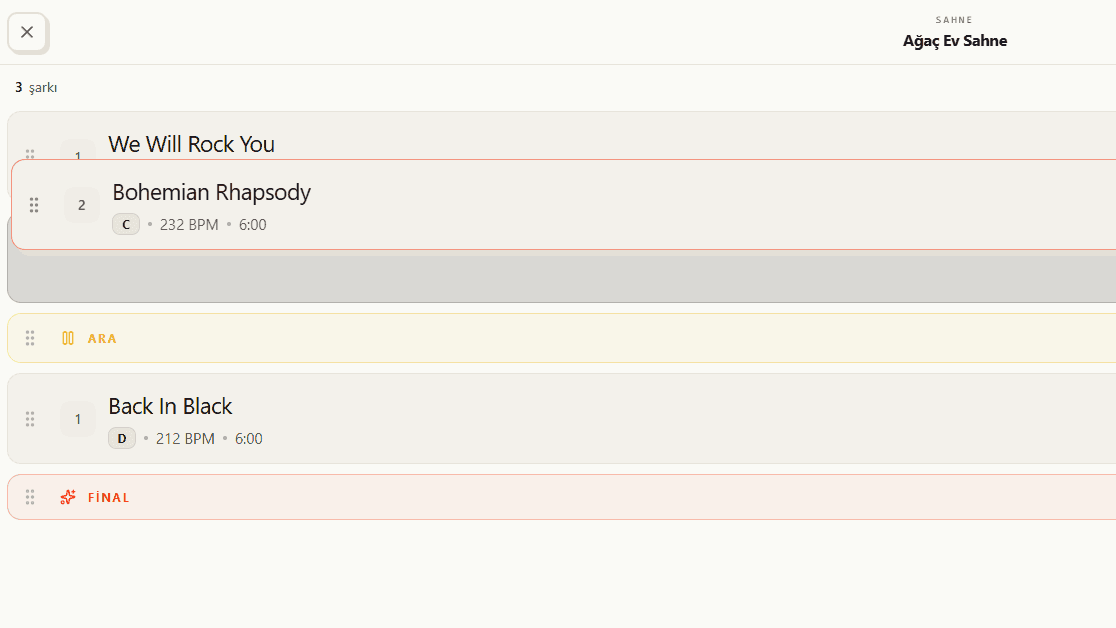
Drag-and-drop ordering with live runtime
Pick songs from the repertoire pool and order them by dragging with your finger. The total runtime is computed live with every song and break you add, so you know how long the set will run from the start.
- Add from the pool, order by drag-and-drop
- Total runtime updates instantly on every change
- Know the real length of the set up front
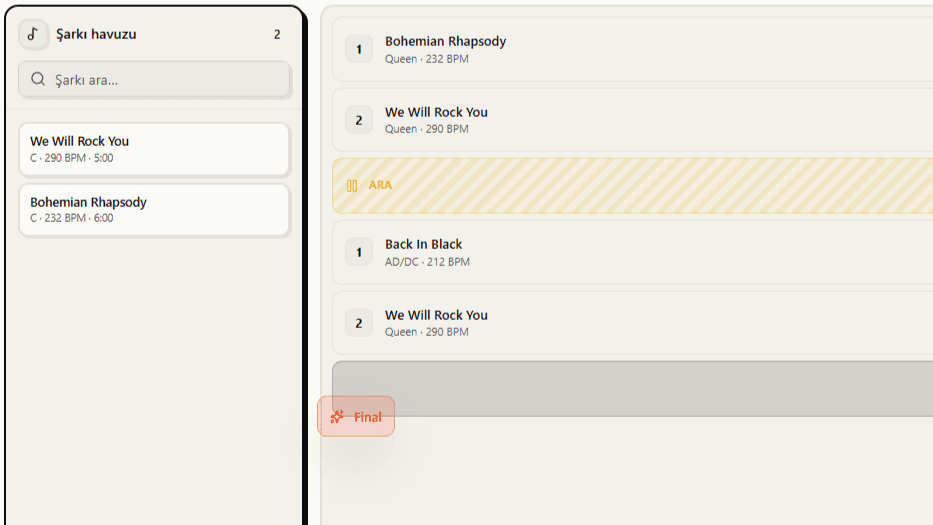
Break and finale blocks
Build a real stage flow by dropping a timed break into the set and a finale block at the end. The crew sees not just the songs but the full rhythm of the performance.
- Timed break block
- A finale block makes the closing clear
- Real stage flow, on screen instead of on paper
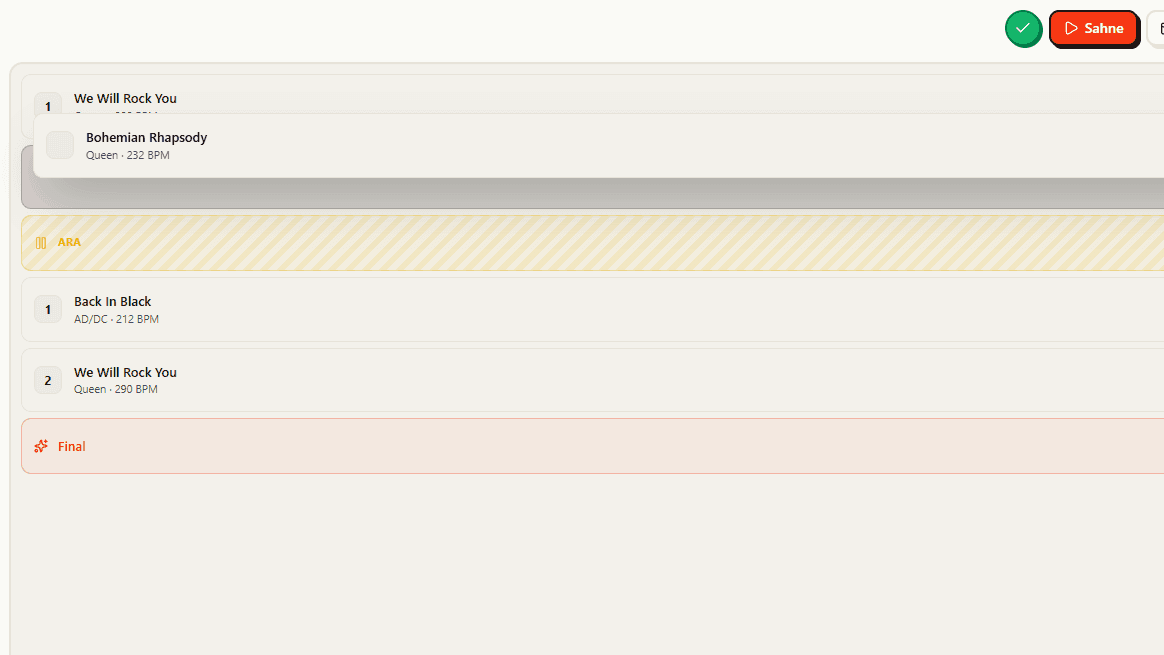
Live sync and one tap to stage
When a member edits the setlist, everyone's screen updates without a refresh. Once the list is ready, jump into Stage Mode with the same setlist in a single tap.
- Changes reflect to the whole crew instantly
- No refresh — everyone sees the latest
- Go to stage with the same list in one tap
What you get
Drag-and-drop ordering
Pick from the song pool and order with your finger. The total runtime updates instantly.
Break and finale
Drop the break into the set and the finale at the end; the crew sees the full flow.
One tap to stage
Once the setlist is ready, go straight to stage mode with the same list.
How it works
Pick from the pool
Add songs from your band's repertoire.
Order it
Build the flow by drag-and-drop and place the breaks.
Share and take the stage
The list is on everyone's screen; stage mode with one tap.