
In-Ear Monitors vs Wedges: Hearing Yourself on Stage
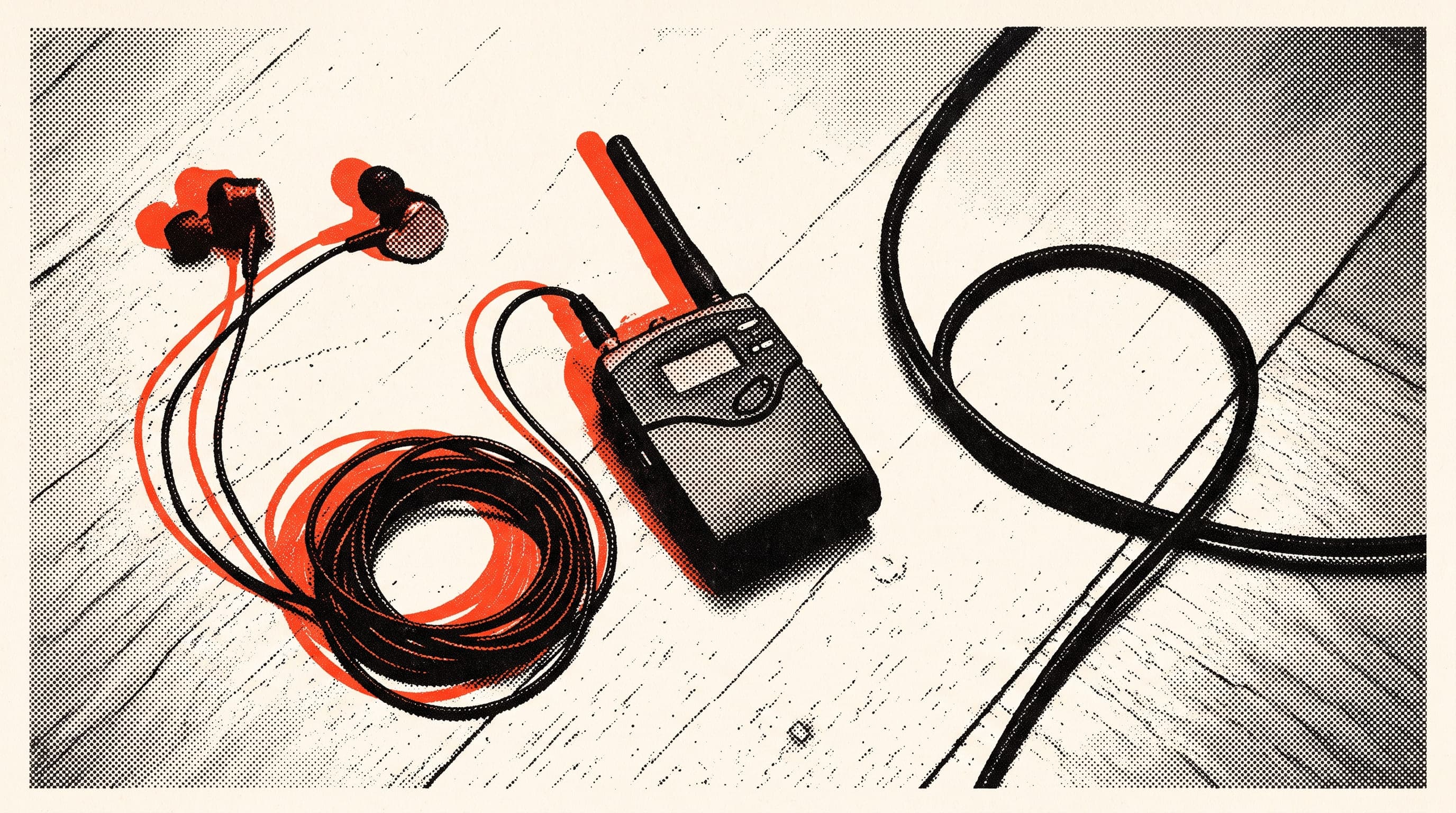
Stage monitors are the speakers that let musicians hear themselves and the band on stage. There are two main types. A wedge is a speaker on the floor, angled up at the player. In-ear monitors, or IEMs, are small earpieces that feed the sound straight into your ears. They do the same job, but they shape the sound on stage very differently.
Soundcheck, everything's fine. First song kicks off, the room fills up, the drummer digs in a bit harder. The guitarist turns up. The bassist can't hear, so up goes the bass amp. The singer can't hear the vocal and starts pointing at the wedge. Halfway through song two, the stage is a volume war.
Few bands haven't been there. Your monitor choice decides how that war ends.
How does a wedge work, and where does it struggle?
A wedge plays its own mix from the desk. The singer wants more vocal in theirs, the drummer wants more bass. Each separate mix comes from one of the mixer's aux sends.
The upside is simplicity. Most venues already have them, setup is easy, no earpieces, and you hear the stage as it is. The weak spots are well known:
- Feedback: The wedge points at the mic. Turn it up and the mic picks up the speaker, and there's that squeal.
- Volume war: Everyone turns up a bit to hear themselves. The stage ends up way louder than it needs to be.
- Spill: Wedge sound spreads into the room and muddies the front-of-house mix.
What are in-ear monitors and how do they work?
In-ear monitors send your own mix straight into your ears. The signal from the desk goes by cable or wireless transmitter to a small beltpack receiver, and the earpieces plug into that. You set your own volume on the pack.
With no speaker in front of the mic, the feedback loop is mostly gone. Stage volume drops too, because nobody needs to crank an amp to hear themselves. If the earpieces fit well, they cut outside noise as well.
Which one is better?
There's no single answer. It depends on the size of the band, the venues you play and your budget:
| Wedge | In-ear monitors | |
|---|---|---|
| Setup | Usually already at the venue | You bring your own system |
| Feedback | Risk rises with volume | Very little |
| Stage volume | Tends to creep up | Can stay low |
| Feel | You hear the room and band naturally | Can feel isolating |
| Moving around | Step away from the wedge and the sound's gone | Same sound anywhere on stage |
| Risk | Low, it's wired | Wireless brings battery and signal issues |
Wired or wireless? Universal or custom?
Wired is simple and reliable. No batteries to die, no signal to drop. Usually enough for drummers and keyboard players who stay put. Wireless is nicer for singers and guitarists who move around, but checking batteries and frequencies becomes a job of its own.
For earpieces, you've got two options. Universal ones come with tips in different sizes and fit most ears. Custom ones are made from an impression of your ear taken by an audiologist. They fit better and block more outside sound. Starting with universals shows you whether in-ears suit you before you spend on customs.
Do in-ear monitors protect your hearing?
Only if you keep the volume down. This bit matters. In-ears lower stage volume, but you decide how loud it is in your ears. Turn the pack up and the level in your ears goes up with it.
So in-ears aren't hearing protection, they're a control. Used well, they let you keep the level in your ears far lower than with a wedge. Used badly, they're a loud speaker pointed straight down your ear canal.
According to the World Health Organization, 80 dB is considered safe for up to 40 hours a week, and at 90 dB that drops to 4 hours a week. Noise-induced hearing loss is permanent, but preventable.
- Wear both earpieces. Leaving one ear open is the riskiest way to use them, because stage noise pours into the open ear and you end up cranking the other one.
- Set the level at soundcheck to the lowest you can hear clearly, and try not to push it during the show.
- If the fit is loose, outside sound gets in and you'll want to turn up. Use the right size tip.
If your ears ring or feel blocked after rehearsal or a gig, see an ENT doctor or an audiologist. Our guide to ringing ears covers which signs call for what. If you're on wedges, musician earplugs are the easiest way to protect your hearing on stage.
How do you get over the isolated feeling?
Most people trying in-ears for the first time say the same thing: "I can't hear the room." Applause sounds far away, the band sounds like it's next door. It feels like you've been cut off from the stage.
The fix is adding room sound to your mix. One or two mics pointed at the crowd or the edge of the stage bring the audience and the room back into your ears. A stereo mix sounds more natural too. With sounds spread left and right, you can pick things out at a lower volume. Doing your first few rehearsals on in-ears speeds up getting used to them.
Which works on a small stage, and can you mix both?
In a small bar there's often one or two wedges and a single monitor mix. Getting everyone onto in-ears there is tough. Lots of bands go hybrid: the singer's on in-ears, the drummer wants a wedge next to the kit, everyone else uses the stage sound.
The drummer's a special case in that mix. An acoustic kit is loud already, so drummers hear their own kit without a monitor. What they need is bass and vocals. Some are happy with a small wedge beside them. Others go in-ear with just bass, vocals and a click if there is one. For bands that play to a click, in-ears are close to essential, because the click can't leak into the room.
If you're moving to in-ears for the first time, don't switch the whole band at once. Start with whoever struggles most, usually the singer. Once the system settles over a few rehearsals, the others can decide.
How many separate mixes you can have depends on how many aux sends the mixer has. A small desk with four auxes gives you four monitor mixes. In a five-piece, two people will share one. Ask the venue: how many monitors, how many mixes? Your soundcheck order follows from that.
Writing down what everyone wants in their monitor saves having the same conversation at every gig. In BandUp you can add a key-value setup list to your personal notes on a song, like "monitor: more vocal and drums, less guitar." Only you see it, and in Stage Mode it's right there without opening a menu. Your band's tech rider goes to the venue with the line-up and stage plot in a single link.