
What Is a DAW? Choosing Recording Software for Your Band
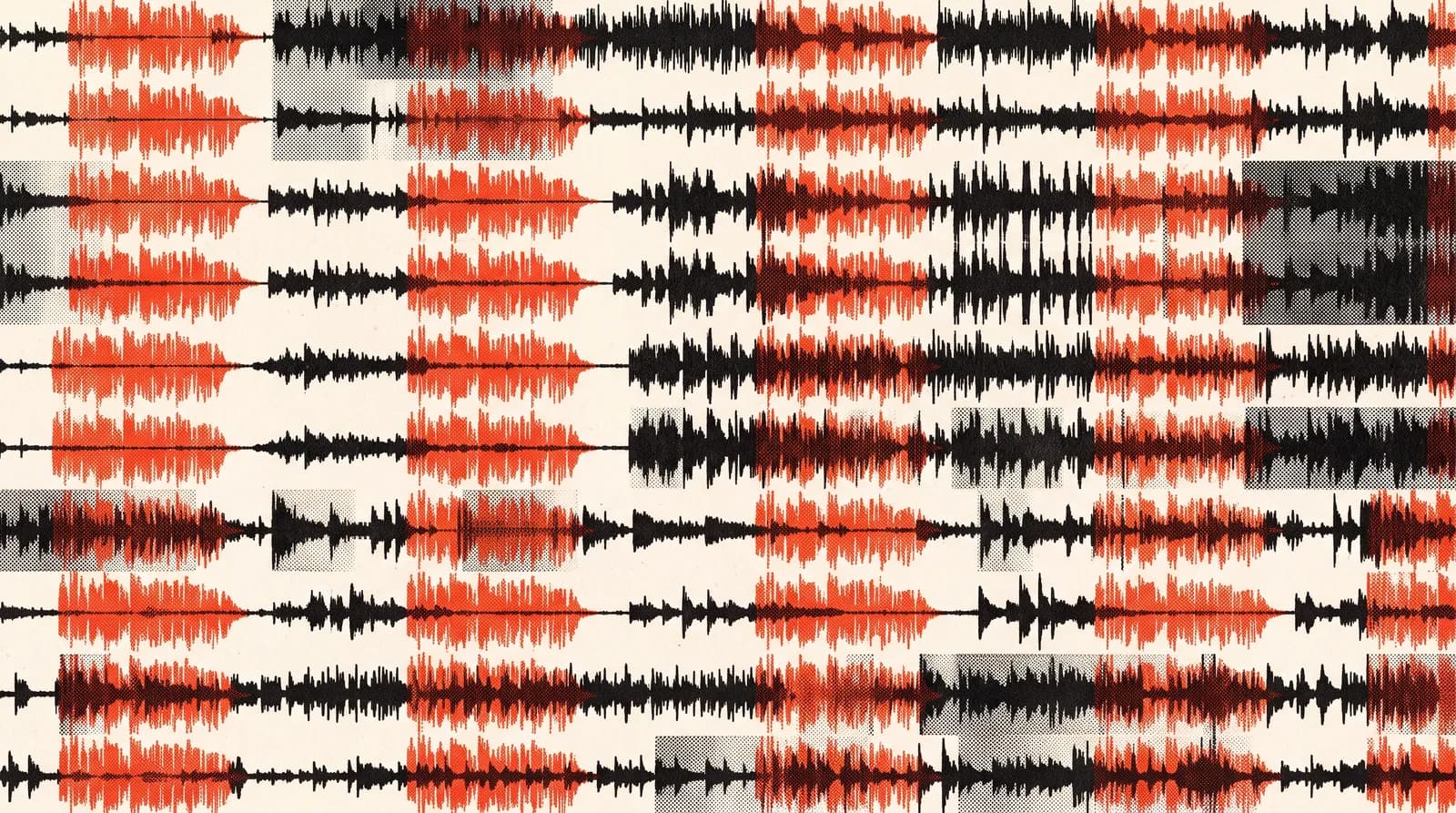
A DAW (digital audio workstation) is the software on your computer where you record, edit and mix audio. Each instrument lives on its own track, the tracks stack on top of each other, and the song runs left to right along a timeline. It's the software half of a home studio.
Search "what is a DAW" and most of what comes up assumes you're a producer making beats with virtual instruments and samples. But if your band plays drums, bass, guitar and vocals live, you need different things. Recording several mics at once, picking the best take of a part, pulling five people's files into one project. If "which software should we use?" keeps going round in circles in the group chat, this one's for you.
What does a DAW actually do?
The core jobs of any DAW:
- Recording: Captures the inputs from your audio interface onto separate tracks.
- Editing: Cutting, moving, copying, tightening timing, stitching two takes together.
- Mixing: Balancing tracks with levels, panning, EQ, compression and reverb.
- Exporting: Bouncing the finished song as WAV or MP3, and every track as its own file if you need it.
For beat-making, MIDI, virtual instruments and loop libraries take centre stage. For recording a live band, it's all about the first two: solid recording and painless editing.
What should a band look for in a DAW?
Nearly every DAW can record audio. The difference is how easy it makes the everyday work of recording a band.
- Multitrack recording at once: You should be able to record every input on your interface to its own track at the same time. Most programs can, but some basic apps and free versions cap tracks or inputs.
- Click and count-in: A click track, a bar or two of count-in before recording, and the option to set tempo changes within a song.
- Punch-in: Re-record just the bit of a part that went wrong without touching the rest of the take.
- Comping: Record a part several times, then pick the best bits of each take to build one clean performance. A huge time-saver on vocals and solos.
- Headphone mixes: Control what each player hears in their headphones while tracking.
- Easy file sharing: Export every track as a separate file from the same start point, so bandmates using different software can still work together.
Is a free DAW good enough for recording a band?
To start with, usually yes. A few common options, stated plainly:
- GarageBand: Apple's free app for Mac, iPhone and iPad. It can record and mix up to 255 audio tracks, and the simple layout makes it easy for first recordings. Apple devices only.
- Audacity: Free and open source, runs on Windows, macOS and Linux. Good for recording and editing. It's built around editing, though, so mixing a full band multitrack isn't as comfortable as in a full DAW.
- Versions bundled with interfaces: Lots of audio interfaces come with a lite version of a well-known DAW. These are usually limited in track count or plugins, but they're plenty for learning.
Starting free and finding out what you actually need while you record is usually smarter than buying an expensive licence on day one.
When is a paid DAW worth it?
Paid DAWs tend to offer unlimited tracks, stronger editing and comping tools, a deeper set of plugins and more flexible headphone routing. It might be time to switch if:
- You're recording full rehearsals with eight or more tracks at once.
- You keep running into the free app's track, input or plugin limits.
- You often send sessions to a mix engineer and working in the same software would speed things up.
Try before you buy. Reaper, for example, offers a fully functional 60-day evaluation and a lower-priced licence for personal use and small businesses. Most other paid programs have trials or tiers with different feature sets too. It's hard to know which one suits you until you've actually recorded and edited a rehearsal with your band.
Can your computer handle a DAW?
Recording isn't heavy lifting for most computers. The load really climbs during mixing, once you open plugins on lots of tracks. For band sessions, memory and disk space matter as well as the CPU: a twenty-track rehearsal recording turns into a big folder fast.
- While recording: Keep the buffer size small, switch off plugins you don't need and close other apps.
- While mixing: Raise the buffer size. The freeze feature in many DAWs temporarily renders processed tracks to audio and takes the strain off the CPU.
- For your files: Back up projects to an external drive or the cloud regularly. One dead drive can take a whole recording day with it.
How do you compare DAWs?
The table below collects the questions that matter for band recording. Run your options through them with your own setup in mind.
| Criterion | Why it matters | How to check |
|---|---|---|
| Operating system | Some programs only run on one platform | Check the computer of everyone who'll be recording |
| Simultaneous record tracks | For recording the whole rehearsal together | Do all your interface's inputs show up as separate tracks |
| Total track limit | Drum mics and retakes add up fast | Read the limits of the free or lite version |
| Comping and punch-in | Saves time on vocals and solos | Record a part three times in the trial and comp it |
| Click and tempo map | Keeps everyone in time when recording part by part | Can you set tempo changes inside a song |
| Export | For sharing files with bandmates or an engineer | Can it export every track as a separate WAV in one go |
| Learning curve | Matters if more than one person runs the recordings | See how long a new member takes to record a first take |
| Cost | Licence, upgrades and extra plugins | Trial length, licence type and upgrade terms |
Does everyone in the band need the same DAW?
No. If everyone records their own part at home, what matters is that the files line up, not that the software matches. A few simple agreements will do:
- Lock in the song's tempo and sample rate (48 kHz, for example) at the start.
- Everyone plays to the click or to a shared scratch track. If the click still feels awkward, have a look at how to practice with a metronome.
- Export takes as WAV files starting from the very top of the song, so they drop into place in any other program.
- File names include the instrument and take number.
Whoever mixes then pulls everything into their own DAW. We walk through that stage in mixing vs mastering. For the gear the software connects to, see what is an audio interface and how to set up a home studio.