
Ukulele Tuner
Tune your ukulele by microphone and catch its bright tone. A chromatic tuner — GCEA, low G and baritone all work the same way.
Allow the microphone and play a string to start tuning.
How to tune a ukulele
An online ukulele tuner listens to your uke's bright tone through the microphone and shows each string's note along with how many cents it is off. In re-entrant tuning the G string sits higher than the rest; the tuner reads it as it is, so you never pull a string to the wrong octave. Allow the microphone, play a string and turn the peg gently until the needle reaches the middle.
Because it is chromatic there is no tuning to select: standard GCEA, low G and baritone are all tuned the same way — find the note each string should reach in the table below. In standard tuning the top G string is thinner than its neighbour (re-entrant); the tuner reads that as it is, so all you need to watch is which G you are heading for. A tuned ukulele rings out clearly in the mix and everyone settles on the same pitch from the first song.
String notes and frequencies
The tuner is chromatic — find your target note here, then turn the peg until the needle centres on it. Frequencies are given against A4 = 440 Hz.
Standard tuning
| String | Note | Frequency |
|---|---|---|
| 1 | G4 | 392.00 Hz |
| 2 | C4 | 261.63 Hz |
| 3 | E4 | 329.63 Hz |
| 4 | A4 | 440.00 Hz |
Low G
| String | Note | Frequency |
|---|---|---|
| 1 | G3 | 196.00 Hz |
| 2 | C4 | 261.63 Hz |
| 3 | E4 | 329.63 Hz |
| 4 | A4 | 440.00 Hz |
Baritone
| String | Note | Frequency |
|---|---|---|
| 1 | D3 | 146.83 Hz |
| 2 | G3 | 196.00 Hz |
| 3 | B3 | 246.94 Hz |
| 4 | E4 | 329.63 Hz |
Frequently asked questions
The tuner can't hear my microphone. What should I do?
What does a chromatic tuner mean?
Can I tune without granting microphone access?
What are the ukulele string names and notes?
What's the difference between low G and high G?
How do I tune a baritone ukulele?
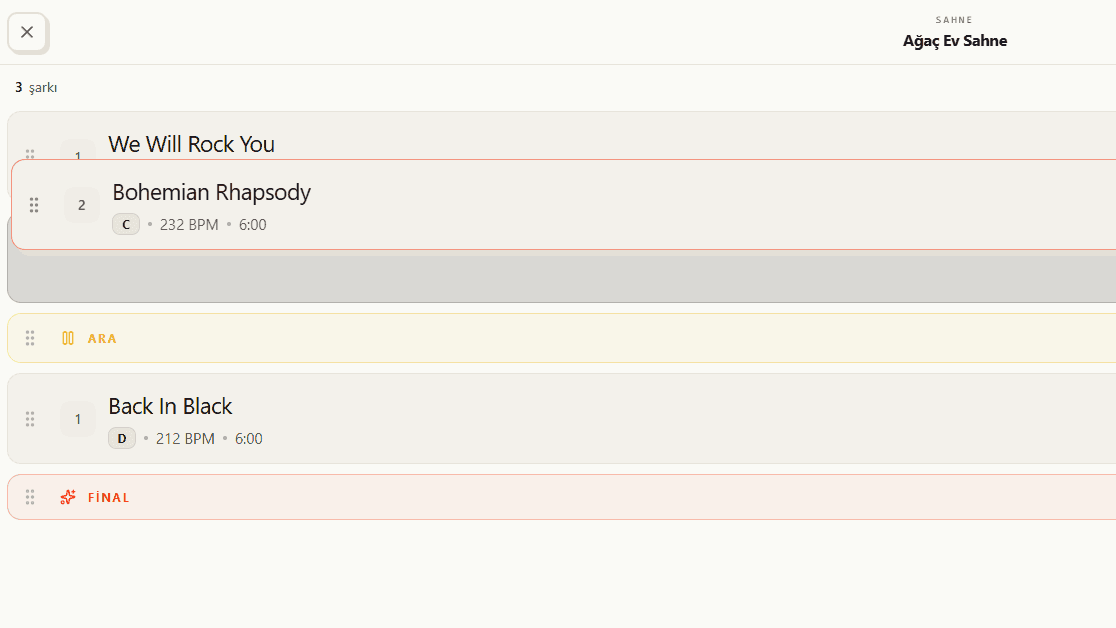
Now to what you'll play
Your ukulele is tuned and the bright tone is ready. So what are you playing? In BandUp's setlist you drag songs into order, watch the running time live and keep the whole band on the same running order.
See the feature