
Tap Tempo BPM Finder
Tap to the beat and instantly find any song's BPM, then share the tempo with your band. Free tool with no sign-up, just start tapping.
How to find a song's BPM
BPM stands for beats per minute, the number that tells you how fast a song goes. To find it with this free tap tempo tool, play the track and tap the button on every beat: after a few taps it averages your timing and shows the song's tempo. The more beats you tap, the steadier the reading gets, so keep tapping along for a couple of bars.
Once you have the number you can set a metronome to it, count the band in or note it next to the song so everyone plays it at the same speed. The tool runs in your browser with nothing to download or register, and you can tap with the button or the space bar, whichever feels natural.
Frequently asked questions
What is BPM?
How many taps do I need to find the tempo?
What do I do with the BPM I've found?
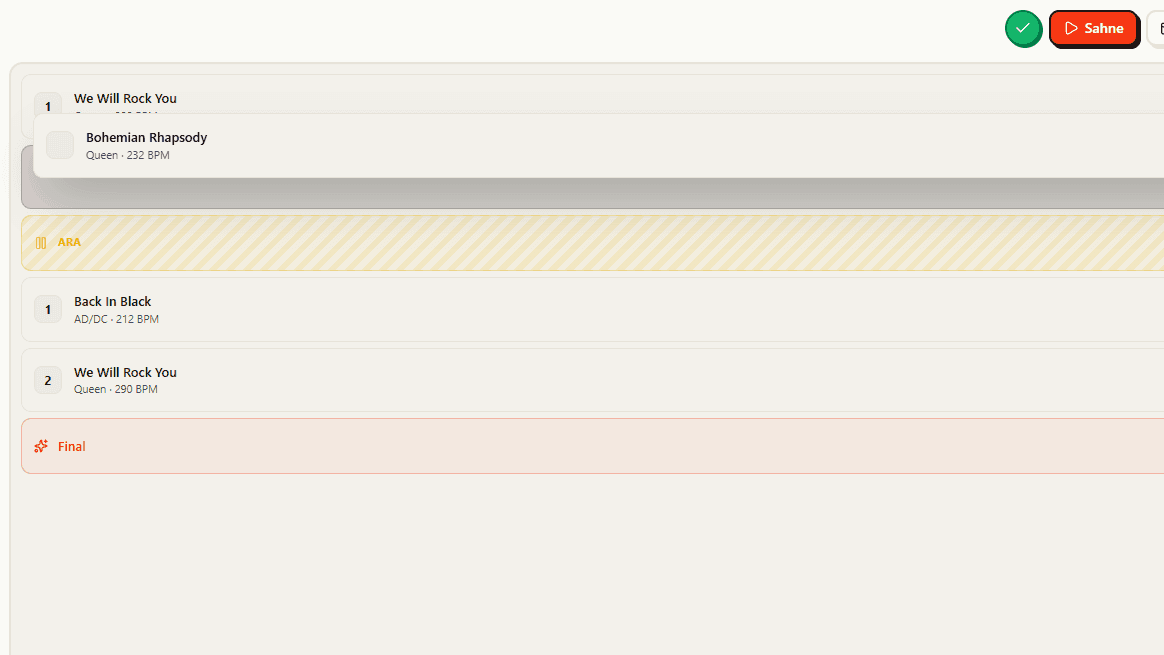
Get the whole band on the same plan
You found the tempo for one song, but a set is a dozen of them in a row. In BandUp a setlist holds that running order and stays synced for everyone live, so the whole band knows what is next and counts the next song in together instead of guessing.
See the feature