
Guitar Chord Charts
Find guitar chords as fretboard diagrams. Pick the root note and chord type and see the finger positions. Free in your browser with no sign-up.
How to read a guitar chord chart
A chord diagram shows the guitar neck: the vertical lines are the strings from thick to thin, and the horizontal lines are the frets. A dot tells you to press that string at that fret; an O above a string means play it open, and an X means do not play it (muted). A thick bar is a barre, where one finger presses several strings at the same fret.
Pick the root note (C, G, D...) and the chord type (major, minor, 7, m7, maj7) above, and the diagram shows that chord's shape. Open chords (E, A, C, G, D) appear near the nut at low frets, and the rest come as low-position barre chords. Once you learn a chord and bring it to your band, everyone presses the same shape in the same place and the song sits tight.
Frequently asked questions
What's the difference between tuning and a chord?
How do I read a chord diagram?
Which chord types can I find?
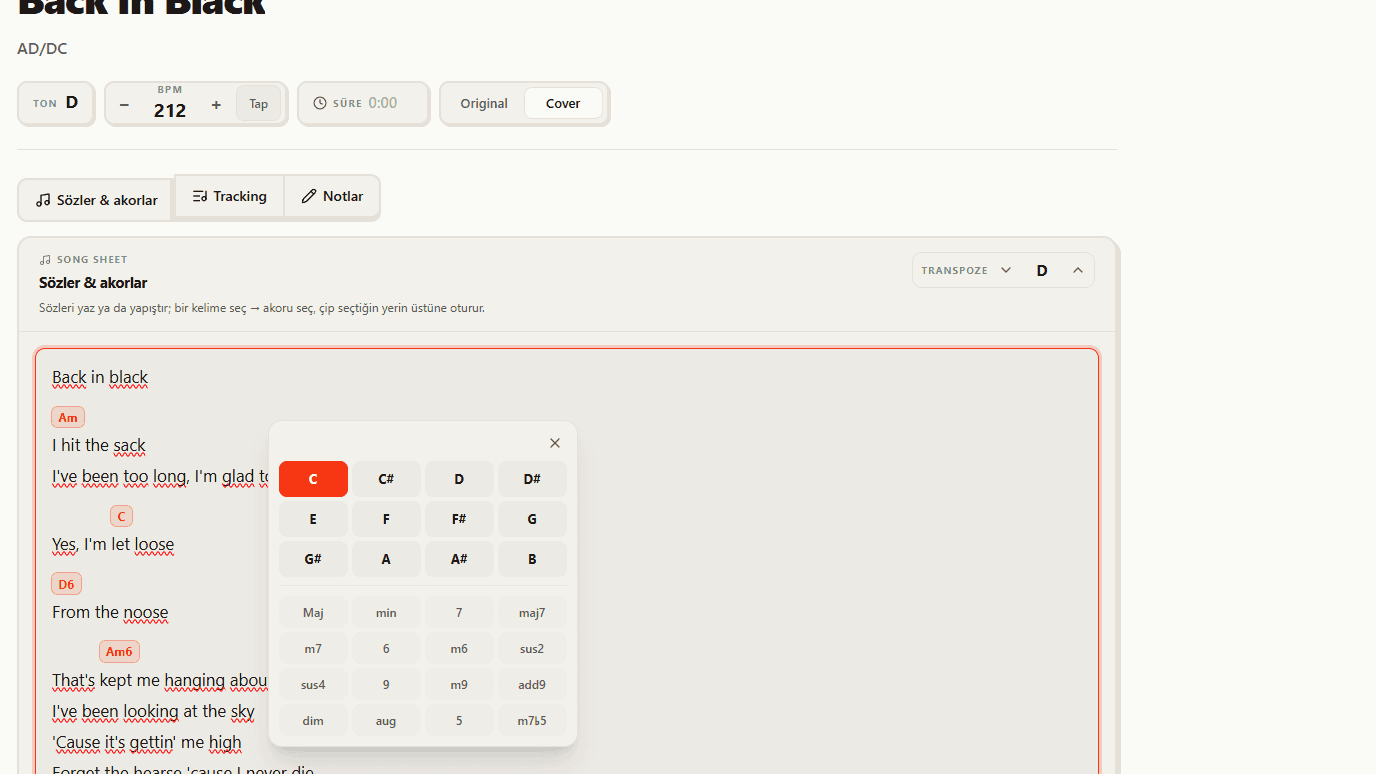
Your chords in plain sight on stage
You learned the chord. No flipping through notebooks on stage: BandUp's Stage Mode keeps the song's lyrics and chords on one screen, large and readable, so the whole band follows the same page.
See the feature