
How to Shoot a Music Video on Your Phone: A Low-Budget Guide
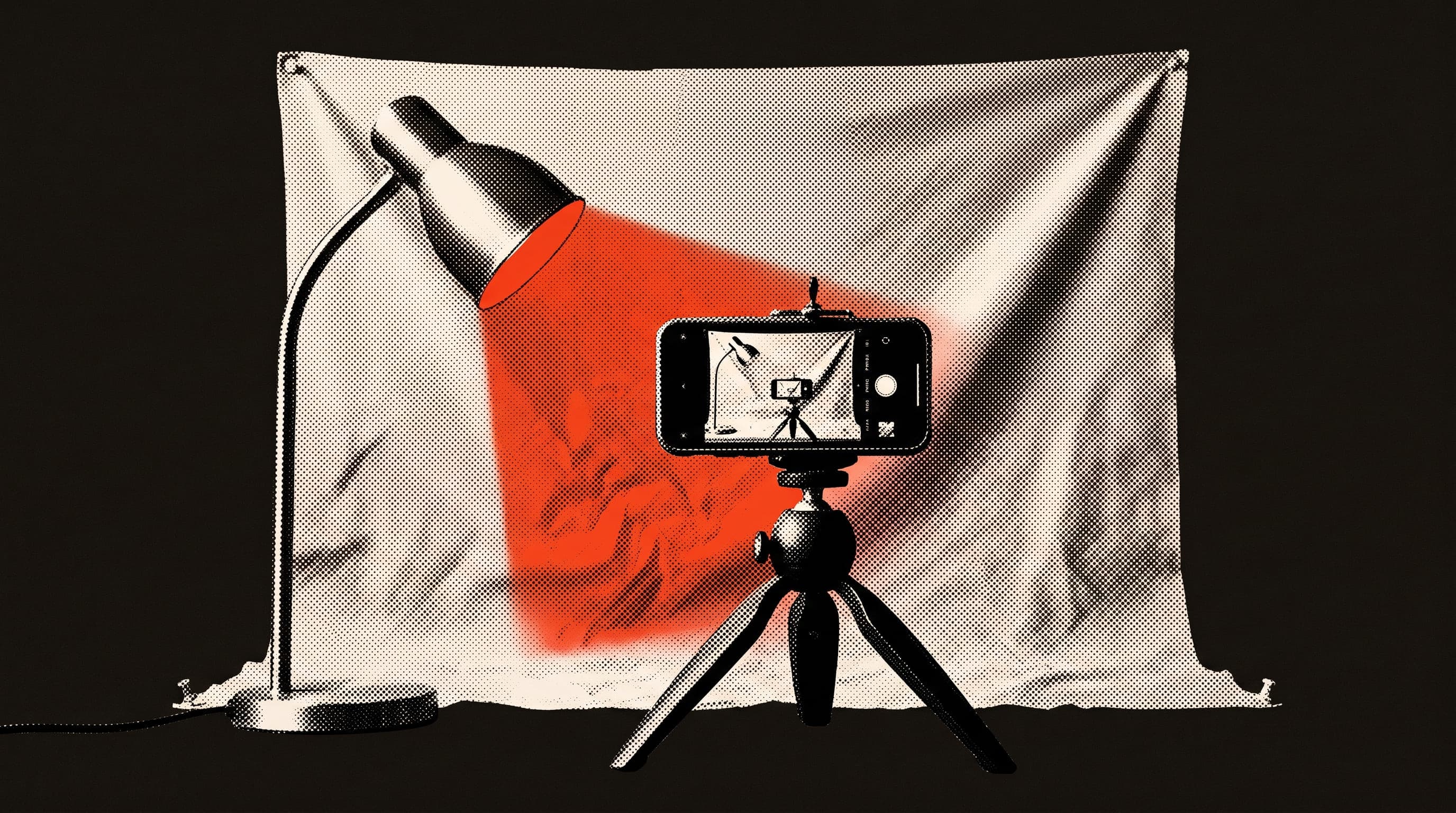
You can absolutely shoot a music video on your phone. The camera you already carry is very likely good enough. The real work isn't the camera, it's the planning. Decide ahead of time which platform you're shooting for, how the audio will line up with the picture and where you'll film, and you can get a usable video out of a single day.
The song is done and the release date is set. There's no budget for a video. Someone in the band says "we'll just shoot it on a phone," and everyone meets up on a Saturday. That evening you look through the footage and the problems show up: the lip sync is off, half the clips are sideways, the rest are too dark. None of it is the camera's fault. It's decisions nobody made before the shoot.
Which screen are you shooting for?
Decide how you'll hold the phone before you start, because turning vertical footage into horizontal later, or the other way round, crops away most of the frame. Each platform wants something different:
| Where | Aspect ratio | Length | Note |
|---|---|---|---|
| YouTube (regular video) | Standard 16:9 horizontal, the player also adapts to vertical and square | The full video | MP4, uploaded at the frame rate it was recorded in |
| YouTube Shorts | Vertical or square | Up to 3 minutes | Copyrighted music can lead to a Content ID claim or a strike |
| Spotify Canvas | Vertical 9:16 | 3–8 seconds | A short looping visual. Footage of talking or singing isn't recommended |
A practical fix: shoot the main video horizontally and grab a few vertical shots in the same location on the same day.
YouTube's recommended upload settings list 24, 25, 30, 48, 50 and 60 frames per second and ask you to upload at the same frame rate you recorded in. For audio, AAC-LC or Opus at 48 kHz is recommended. Pick one frame rate in your camera settings and stick with it for the whole shoot.
What should be ready before the shoot?
Use one device to film and a different one to play the song. One person holds the camera, the other runs a phone or laptop hooked up to a speaker.
- Free storage on the camera phone. A few full takes at high resolution add up fast.
- A full battery and a power bank.
- The camera phone in airplane mode. An incoming call or notification can cut a take short.
- A tripod, or anything that holds the phone steady. Handheld shots are useful too, but the steady ones carry the edit.
- A clean lens. A phone that lives in your pocket usually has a smudged lens, and the picture looks soft.
- The final mix of the song as a separate file for playback.
How do you keep lip sync tight?
The usual approach for music videos is playback: the finished song plays through a speaker on set and the band plays and sings along to it. The camera audio isn't used. In the edit, the studio recording goes in its place. To keep the sync tight:
- Play the song loud enough on set that everyone can hear it. The singer should actually sing the words, because just mouthing them shows in the edit.
- Clap once in front of the camera at the start of every take. Matching that spike in the waveform to the song in the edit is far easier.
- Shoot the whole song several times, from a different angle each time: wide, close on the singer, drums, guitar neck. The more angles you have, the easier the edit.
Want slow motion? There's a well-known trick. Play the song at double speed and have the singer lip-sync to that. Film in your phone's slow-motion mode, meaning a high frame rate, then slow it to half speed in the edit, and the lips line up with the song at normal speed. How many frames per second a phone gives you in slow-mo depends on the model, so do a short test first.
How can you light it without spending money?
In dim rooms, phone footage gets grainy quickly. The cheapest light is daylight. A face turned toward a window usually looks better than a face under a single ceiling bulb. If you're shooting outside, try morning or late afternoon instead of midday.
Indoors, desk lamps, a curtain or a sheet of white card as a reflector will do the job. If you're relying on daylight, plan for it to change during the day. Even a passing cloud can make two shots look different in color.
The phone's auto settings can work against you too. Pressing and holding on the screen to lock focus and exposure before you roll stops the image from brightening and darkening every time someone moves through the frame. Where this setting lives depends on your phone.
How do you keep a one-location video interesting?
Shooting a low-budget video in one place is fine. What breaks the sameness is shot variety. In the same rehearsal room, wide shots, close-ups, detail shots of hands and instruments and one or two different lighting setups make it feel like more than one location.
Write a simple shot list and check it on set:
- The whole band, wide, the full song
- The singer, close-up, the full song
- A detail shot for each instrument
- A few short non-performance clips: cables, amps, setting up, the street outside
- Vertical shots for Shorts and Canvas
Spotify has its own advice for Canvas: avoid rapid cuts and heavy flashing graphics, and keep the important part in the middle, since edges can get cropped on some phones. The details are on Spotify's Canvas guidelines page.
Do you need permission to film on the street or in a venue?
In Turkey, filming in public places can require a notification or a permit. Official sources give different lead times and scopes, and conditions can vary by city. The safe move: at least a week before the shoot, ask the municipality or the governor's office what currently applies. Elsewhere, check with your local authority the same way. In Turkey, the Ministry of Culture and Tourism also runs an online filming permit system.
If you're using a drone in Turkey, you need separate permission from the Directorate General of Civil Aviation.
For a private space like a café, a bar or a rehearsal studio, talk to the owner ahead of time and put what you agree on in writing: the day, the hours and any fee. It saves you from the "I didn't know this many people were coming" conversation on the day.
What matters most in the edit?
Start by dropping the studio recording onto the timeline, then line up every take using the clap. The phone mic's audio is only there for that matching, it won't be heard in the final video.
Before you upload, make sure the only audio is your own recording. If someone else's song is playing in the background, even briefly, you can get a claim. Even your own song can get claimed, and what to do about a YouTube copyright claim covers that case.
What are the usual first-video mistakes?
- Deciding on the format on the day and getting stuck between vertical and horizontal.
- Playing the song too quietly on set. The band loses the groove and the sync falls apart.
- Skipping the clap and spending hours syncing footage to the song by hand.
- Changing the frame rate or resolution halfway through the shoot.
- Shooting everything from one angle.
- Thinking about permission on the morning of the shoot.
Once the video is out, add the link to your EPK. And for how the song earns on the Spotify side, see how Spotify pays per stream.